
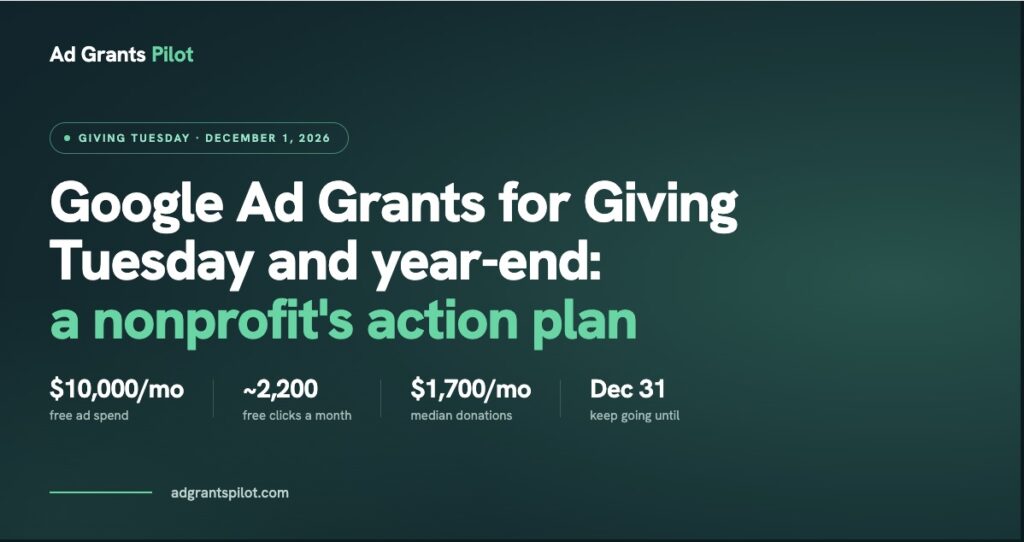
Quick answer: Your Google Ad Grant is free Google Ads spend, up to $10,000 a month, and Giving Tuesday and year-end are the highest-intent search windows of the year for it. The nonprofits that get real value out of their Grant during this stretch build a dedicated campaign and landing page for the season, use ad extensions to create urgency, watch their daily budget pacing closely on December 1 itself, and keep optimizing through December 31 rather than letting the campaign quietly expire the day after Giving Tuesday.
Why Giving Tuesday and Year-End Matter So Much for Your Ad Grant
Most nonprofits treat their Ad Grant as a “set it and forget it” account: the same evergreen campaigns, running the same way, every month of the year. That’s a missed opportunity in general, but it’s a particularly costly one during Giving Tuesday and year-end, because search behavior itself changes. People are actively looking to donate (often to a cause area rather than a specific organization by name), and that’s a different kind of intent than the awareness-stage searches your evergreen campaigns are usually built for. A Grant account that’s purpose-built for this window converts that intent; one that isn’t just watches it pass by.
Build a Campaign Just for Giving Tuesday and Year-End
Create a dedicated campaign with ad groups built around terms like “giving tuesday donate,” “giving tuesday [your cause area],” and “best charities to donate to,” separate from your always-on campaigns. Write ad copy that names the day and the deadline explicitly. Urgency and specificity both lift click-through rate, and on a Grant account, Google rewards a strong quality score with better ad placement, so this isn’t just a copywriting nicety.
Send Traffic to a Dedicated Landing Page, Not Your Homepage
This is the single highest-impact change most organizations can make. A Giving Tuesday-specific landing page (one headline, one clear ask, minimal navigation) converts dramatically better than a homepage that asks a rushed, high-intent visitor to go hunt for the “Donate” button. If you’re running a matching gift or a specific dollar goal, put it front and center. It also helps keep your account compliant: Google’s Ad Grant policy requires strong keyword-to-landing-page relevance, and a purpose-built page satisfies that far more cleanly than a general homepage does.
Use Ad Extensions to Create Urgency
Sitelinks, callouts, and structured snippets are free real estate inside your ad. Use them to surface anything time-sensitive: a matching gift deadline, a specific goal, or “Ends December 31.” These extensions increase your ad’s visibility on the results page and give a searcher a reason to click now instead of bookmarking for later, which, in practice, usually means never.
Watch Your Budget Pacing During the Surge
Grant accounts are capped at $10,000/month, so campaigns compete with each other for the same budget pool. Without repacing before the surge, you can burn through spend early in the day and go dark right when search volume peaks.
| What to do | When | Why it matters |
|---|---|---|
| Pause or reduce lower-priority campaigns | Late November | Frees up daily budget room for Giving Tuesday campaigns competing in the same $10,000/month pool |
| Check pacing mid-morning and mid-afternoon | December 1 | Grant accounts don’t self-correct during a traffic spike, and you can go dark right when volume peaks |
| Review spend and conversions | December 2 | Confirms whether budget ran out early and needs rebalancing for the rest of the week |
Don’t Stop on December 2
Giving Tuesday is a spike, but year-end giving is a slope that runs through December 31, and a meaningful share of annual donations still comes in during that final week. Once Giving Tuesday wraps, shift your campaign messaging from “today” urgency to “before the year ends” urgency, and keep your donation landing page live and current through January 1. Many nonprofits build one campaign for December 1 and let it quietly die; the ones that keep optimizing through the end of the month tend to see the bigger payoff.
Frequently asked questions
Do I need a separate Google Ads account for Giving Tuesday, or just a new campaign?
A new campaign within your existing Ad Grants account is enough for most organizations. You don’t need a separate account. Just make sure the campaign has its own budget allocation so it isn’t competing dollar-for-dollar with your evergreen campaigns.
Will an aggressive Giving Tuesday push put my Ad Grant compliance at risk?
Not if the fundamentals stay in place: keep click-through rate above 5%, avoid single-word or overly broad keywords, and make sure your landing page closely matches your ad copy and keywords. A seasonal campaign built around specific, relevant keywords tends to perform better on compliance metrics than a generic evergreen one, not worse.
How far in advance should I set this up?
Aim to have your Giving Tuesday campaign and landing page built and reviewed by early-to-mid November, so there’s time to catch any disapproved ads or compliance flags before the day itself.
What if I don’t have a dedicated landing page ready in time?
A strong page with a clear, single ask still beats a rushed one. If you’re short on time, prioritize the landing page over additional ad copy variations. It has the bigger impact on conversion.
A Simple Pre-Giving Tuesday Checklist
Before December 1, confirm:
- Your Giving Tuesday campaign is live with its own budget
- Your landing page is built and matches your keywords and ad copy
- Your ad extensions call out any deadline or matching gift
- You’ve reduced spend on lower-priority evergreen campaigns to free up budget
- You have a plan to check pacing at least twice on the day itself
Your Google Ad Grant is free advertising spend that’s sitting there whether you use it well or not. During the highest-intent giving window of the year, the difference between a generic, evergreen account and one purpose-built for Giving Tuesday and year-end can be the difference between a few dozen extra donors and a few hundred.
